
How it was made
About this demo
Lifestream is an unofficial, non commercial fan field guide, built to show what Claude can make working alongside Canva and Affinity. It is not a Square Enix product.
From prompt to page
01 Research
Facts first
Every claim was checked against official store pages, the official game manual, the PlayStation Blog, Wikipedia and the Final Fantasy Wiki. Each one links to its source where it appears, and nothing was filled in by guesswork.
02 Canva
Original art
15 paintings were generated with Canva AI from written art direction, collected in a Canva art bible design and exported at full resolution. Canva’s background remover lifted the five Materia orbs off their backdrop.
03 Affinity
Vector kit
The pointing hand, the Materia icon and the palette live as vector files, along with a script for Affinity’s built in scripting panel that assembles them into an editable brand sheet.
04 Build
A static site
Pages are plain HTML that work without JavaScript. The rising Lifestream is a small WebGL shader written for this site, and every image is resized and compressed for the screen it lands on.
The art bible
Every scene below was generated in Canva for this demo on October 11, 2026. None of it is game artwork, and no characters are depicted.
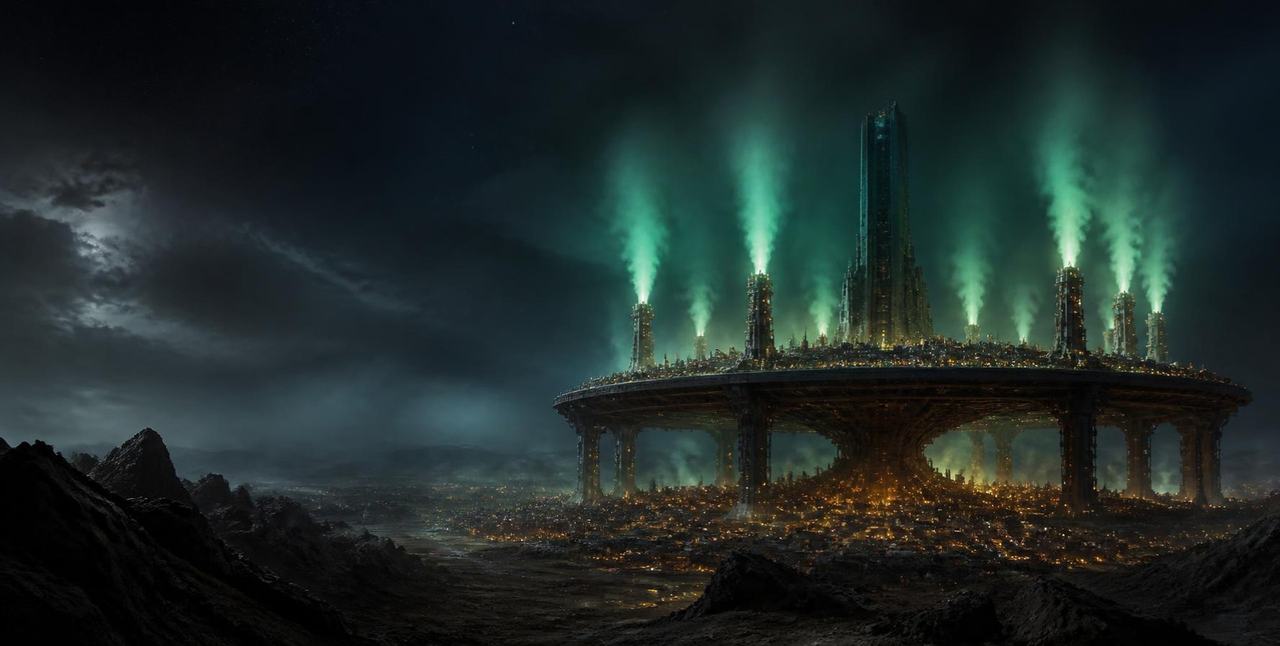
Home, wide screensPlate city on giant columns seen from the wasteland at night, eight reactors venting green energy.Canva media MAHXwCTI4hA 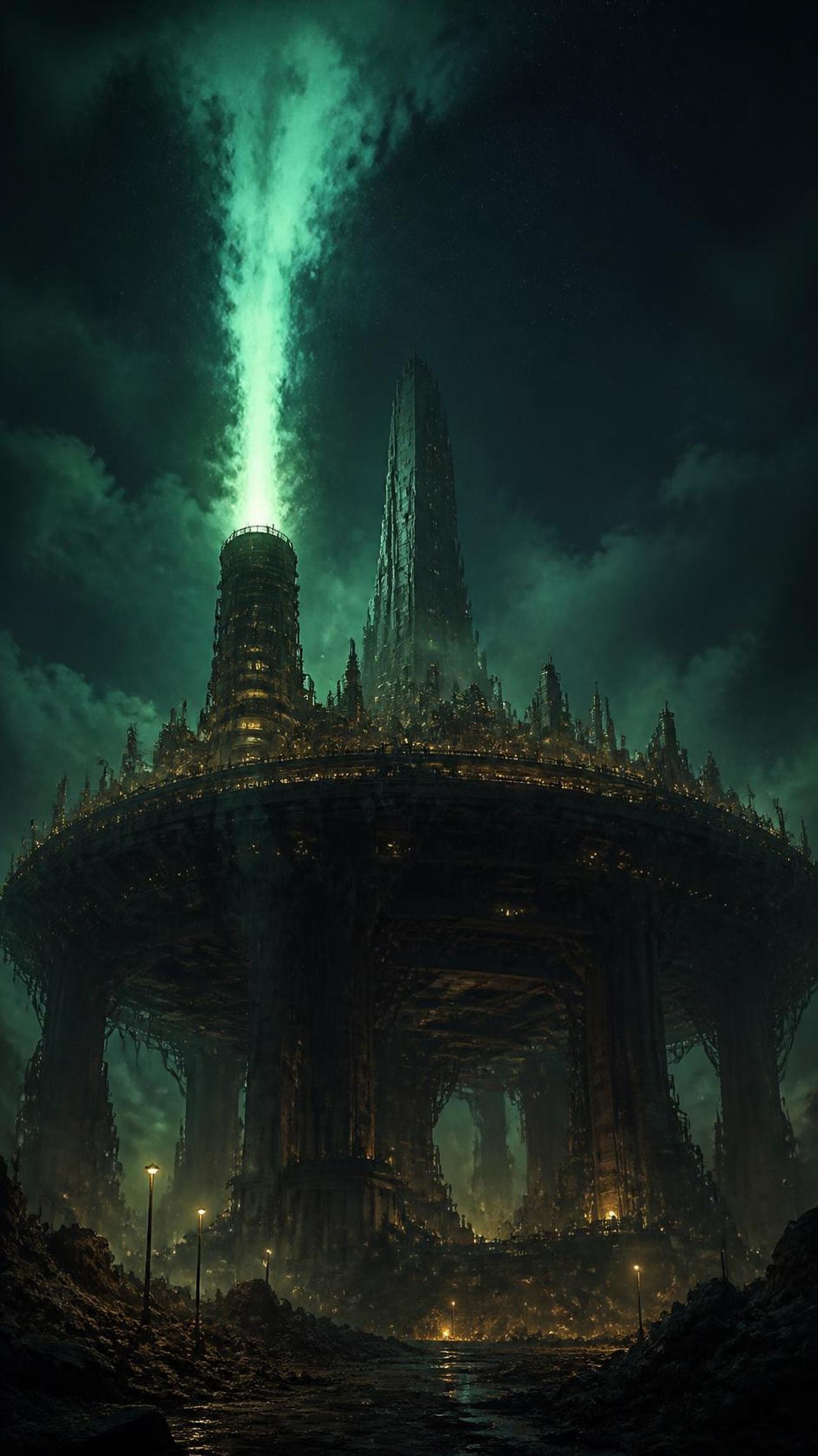
Home, tall screensVertical view up at a reactor venting a column of green energy above the plate.Canva media MAHXwFSvwfI 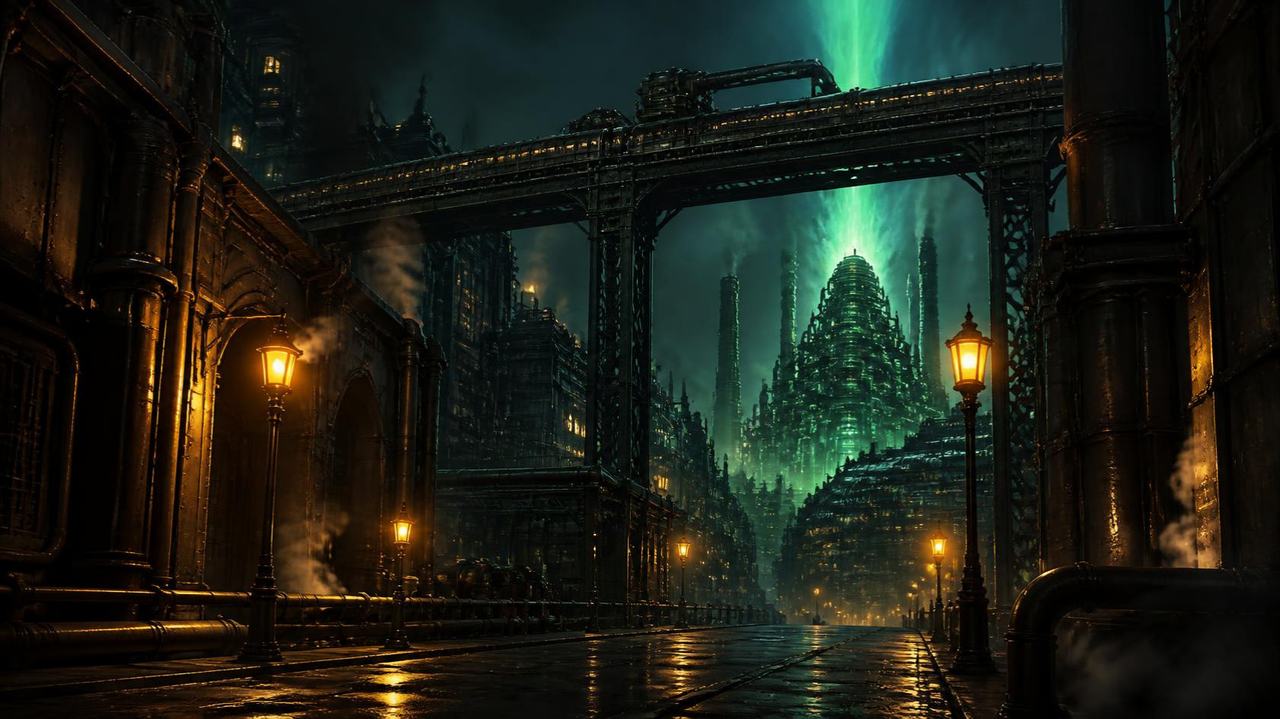
Midgar, level 1Street level on the upper plate at night with a distant green reactor.Canva media MAHXwDpP4J0 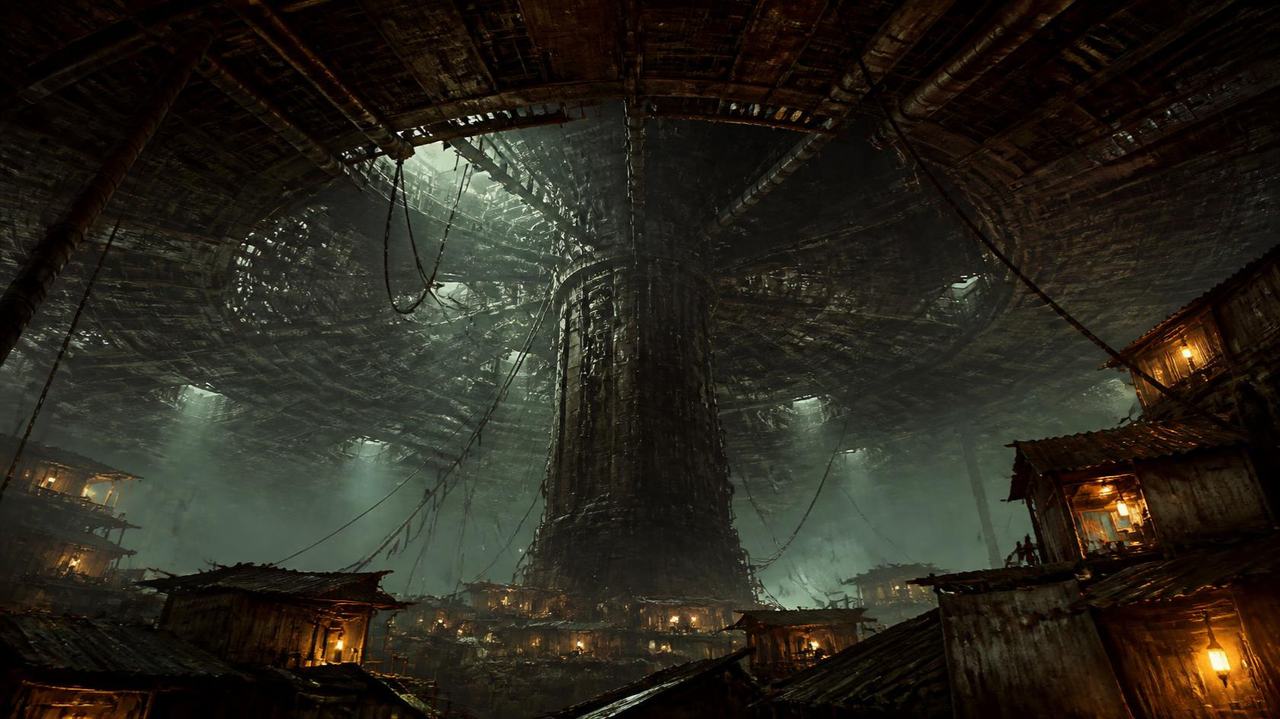
Midgar, level 2Looking up at the plate underside and central pillar from the slums.Canva media MAHXwPH3rrk 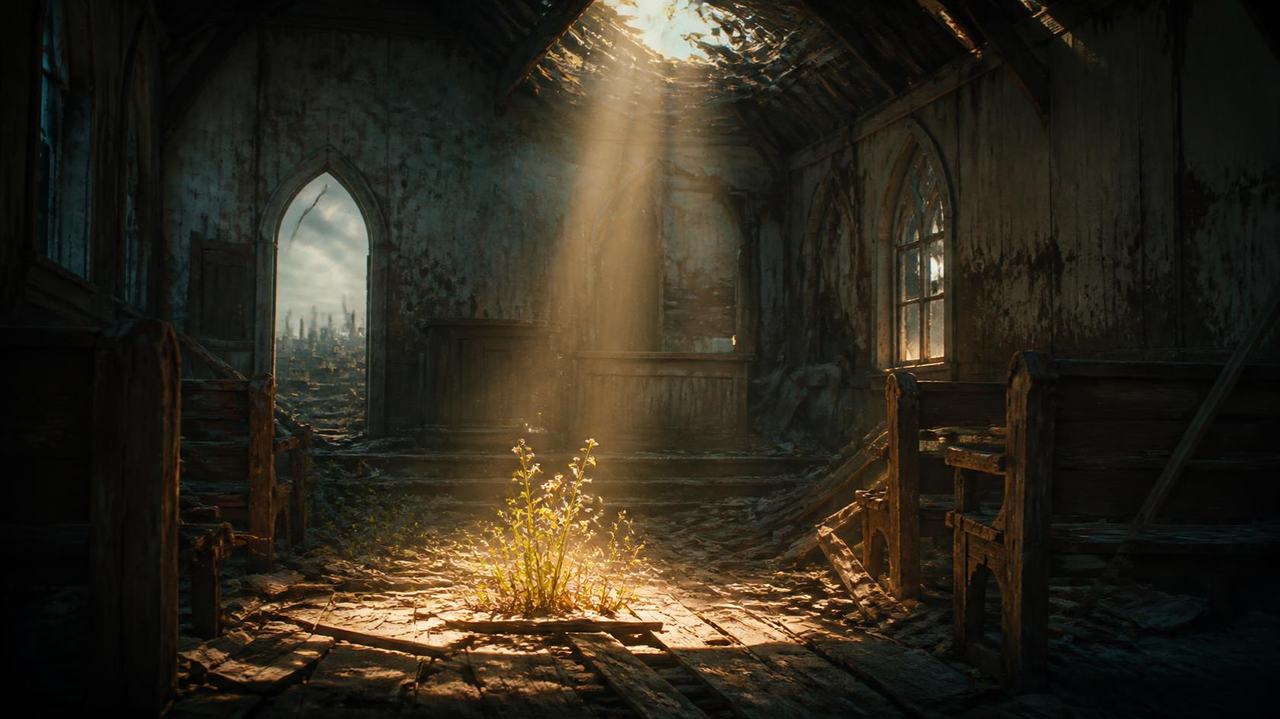
Midgar, level 3Ruined slum chapel with flowers in a shaft of light.Canva media MAHXwIlo9jU 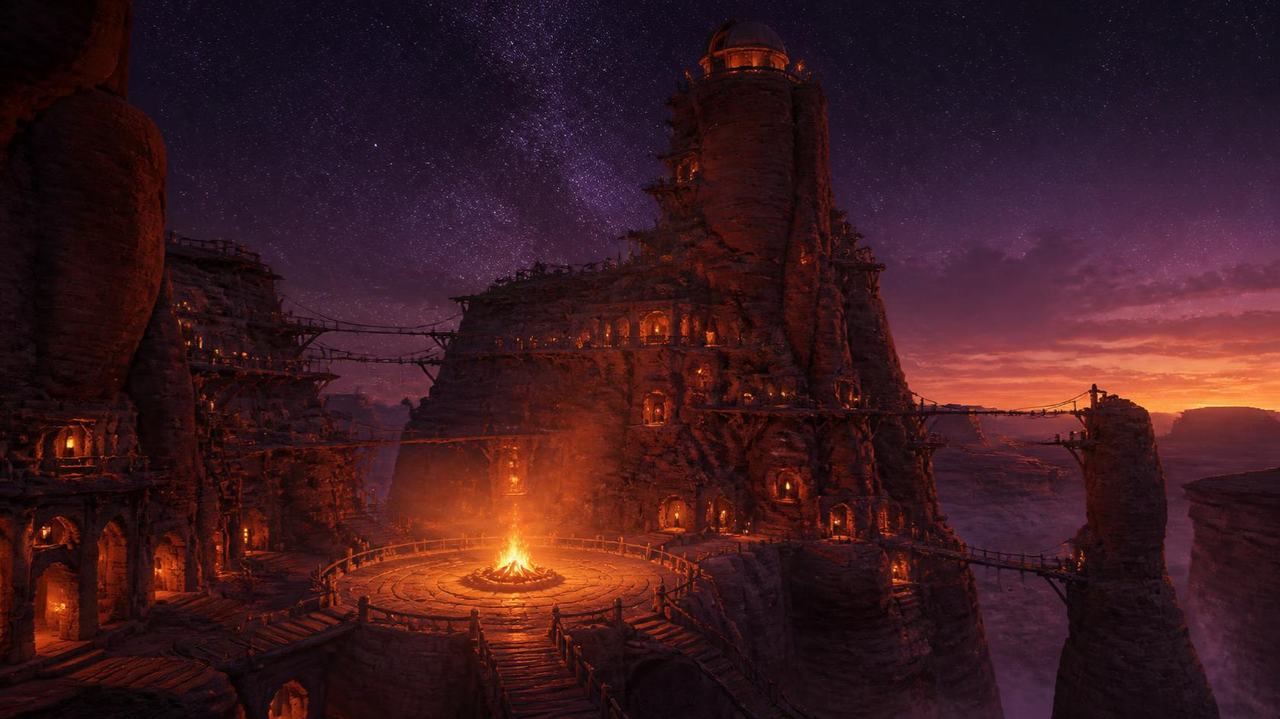
Journey, Cosmo CanyonCanyon village with an eternal bonfire and observatory at dusk.Canva media MAHXwL5ux6Y 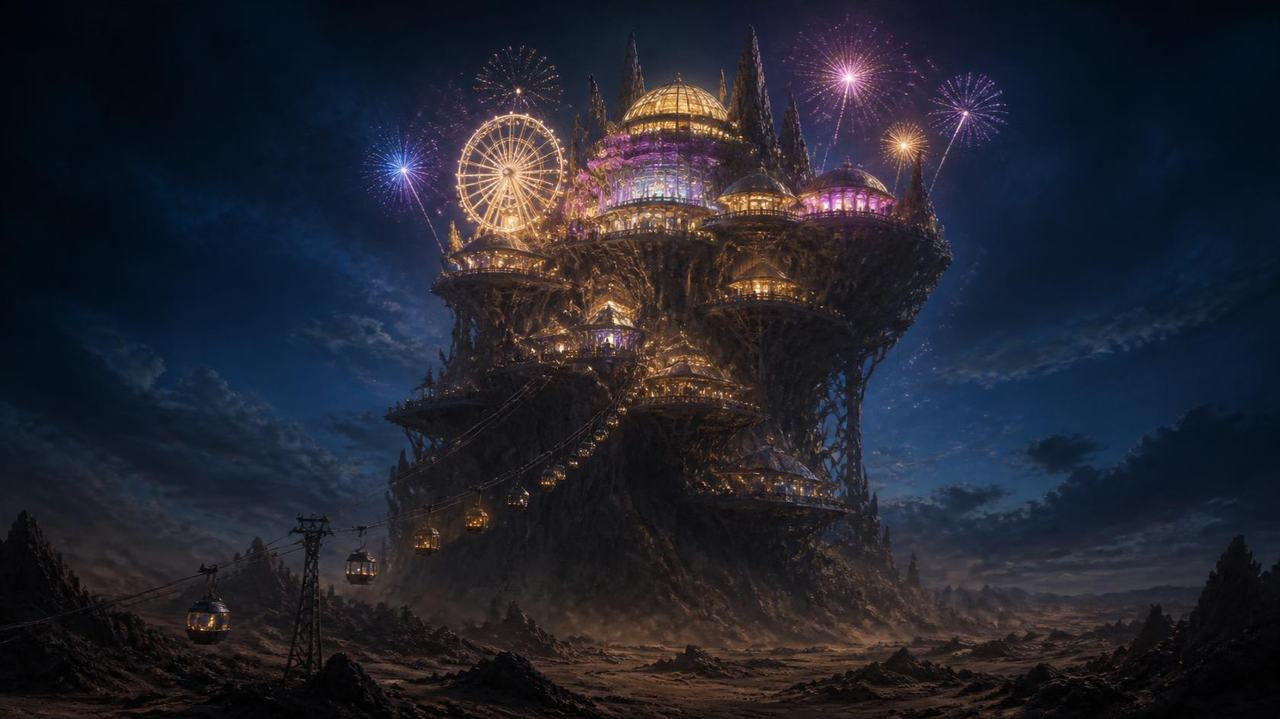
Journey, Gold SaucerDesert amusement resort on a towering rock at night.Canva media MAHXwEl1l-s 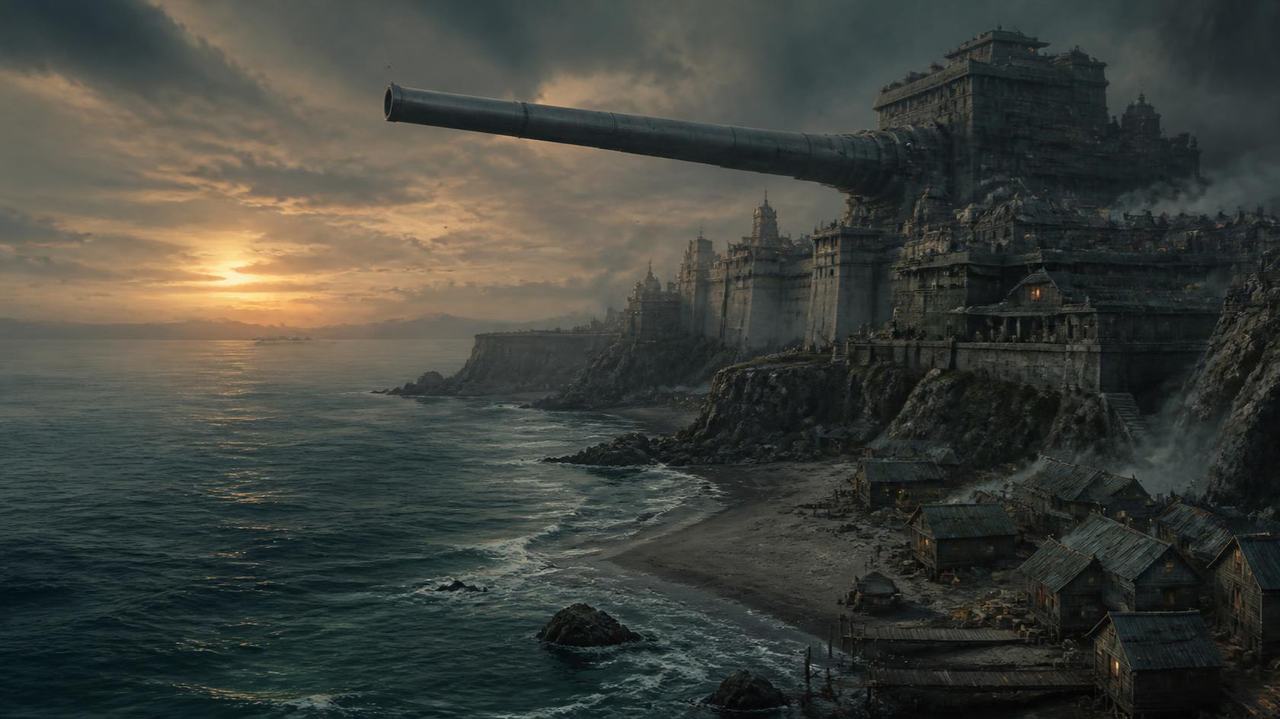
Journey, JunonMilitary harbor city with a colossal cannon over the sea at dawn.Canva media MAHXwXZEv4A 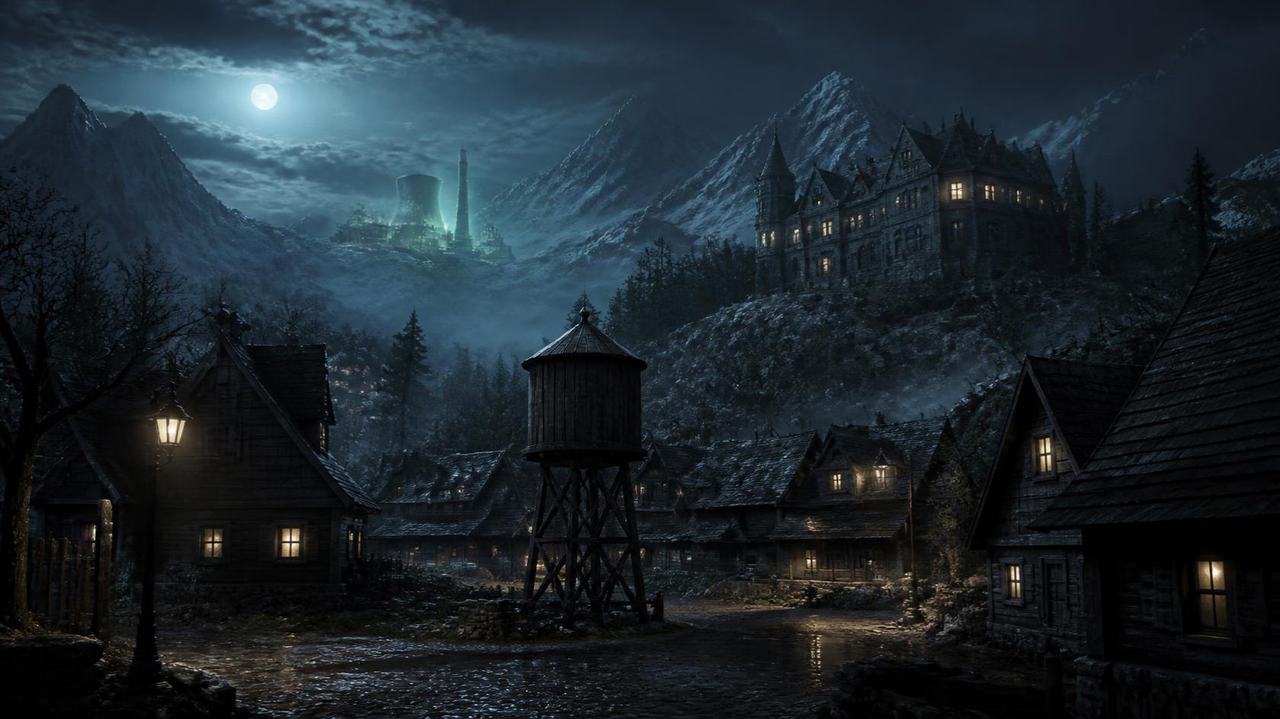
Journey, NibelheimMountain village with a water tower and mansion under moonlight.Canva media MAHXwa51JE4 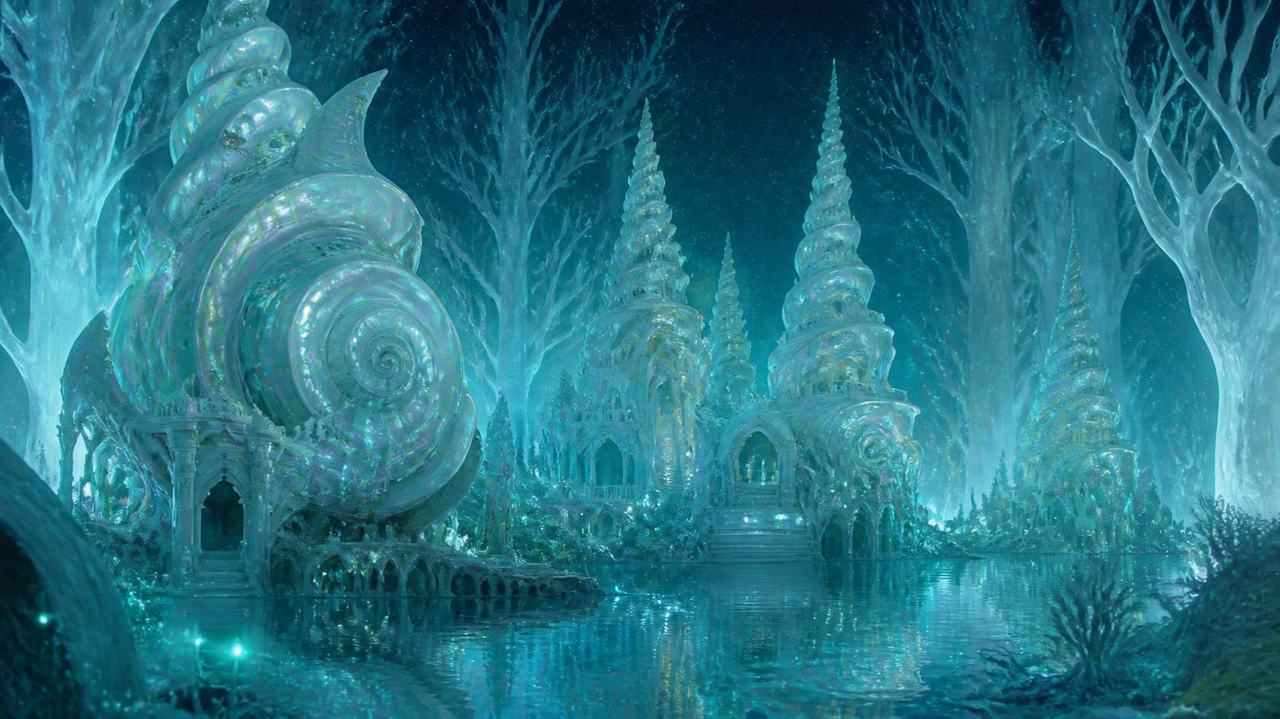
Journey, Forgotten CapitalAncient shell shaped city glowing in a white forest.Canva media MAHXwbk4LyM 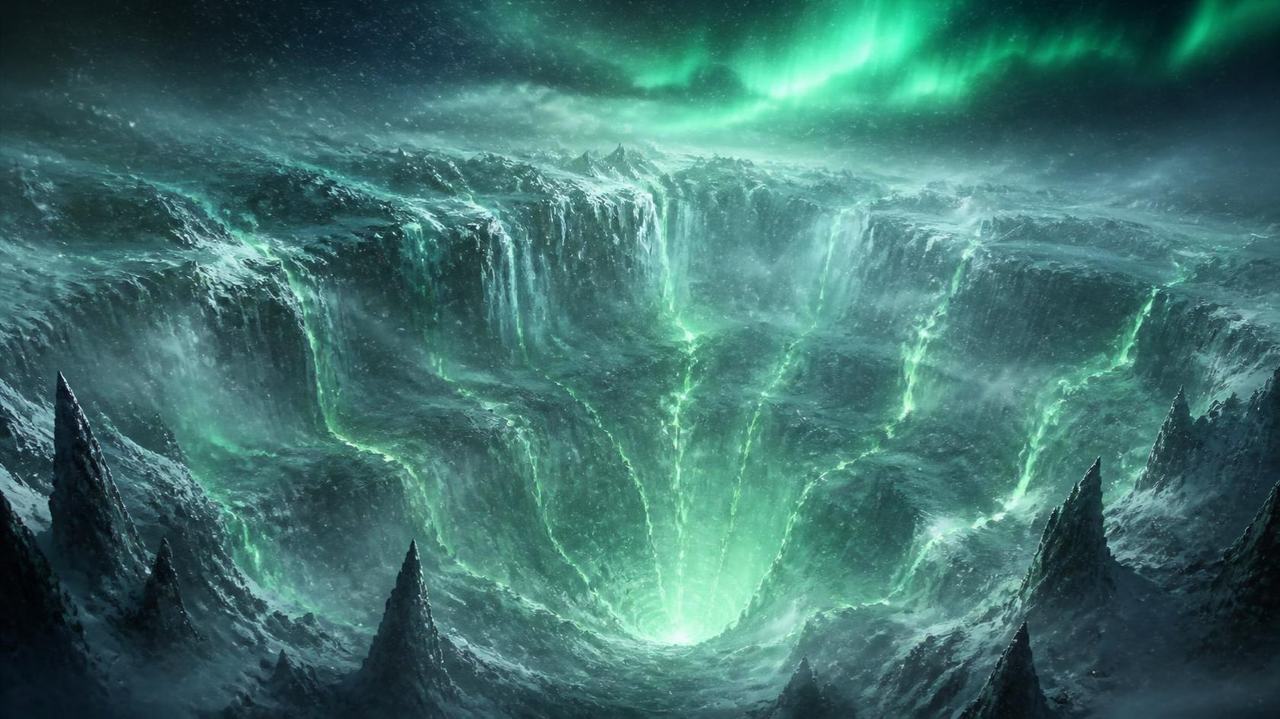
Journey and ChronicleIce crater with spiraling green energy under an aurora.Canva media MAHXweeYOr0 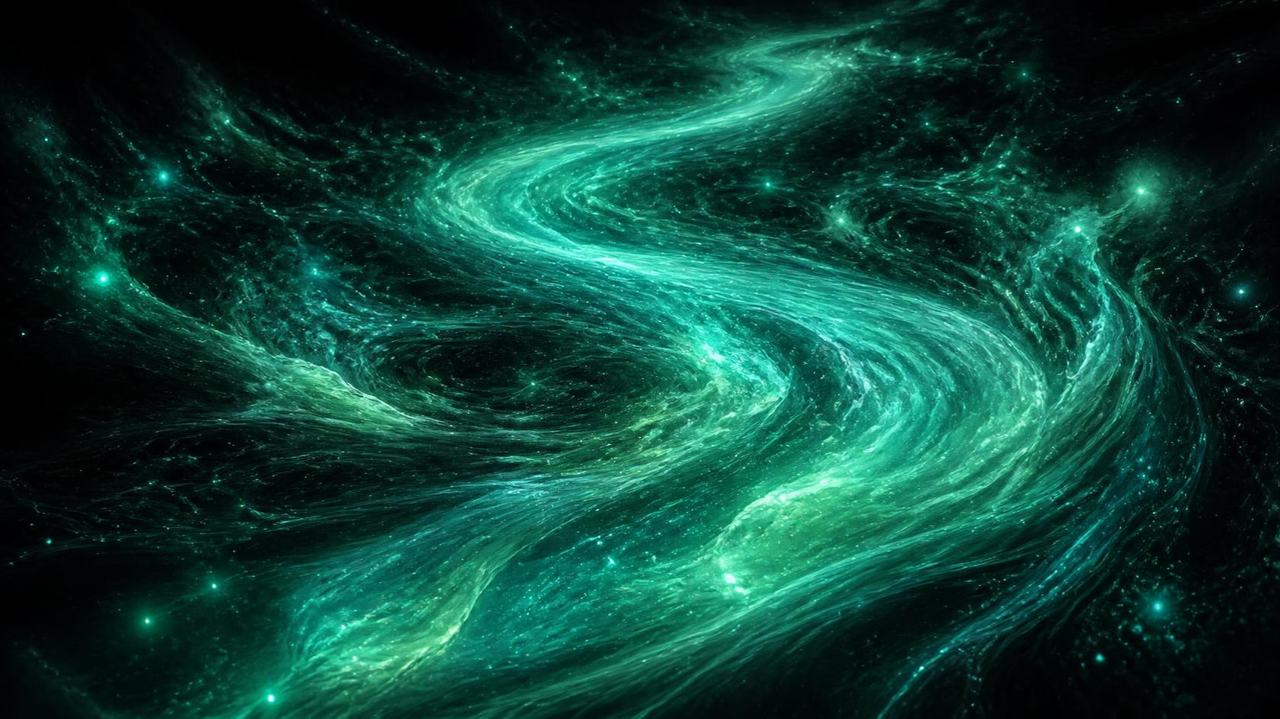
Materia and HomeRiver of luminous green spirit energy in a dark void.Canva media MAHXweTtXrQ 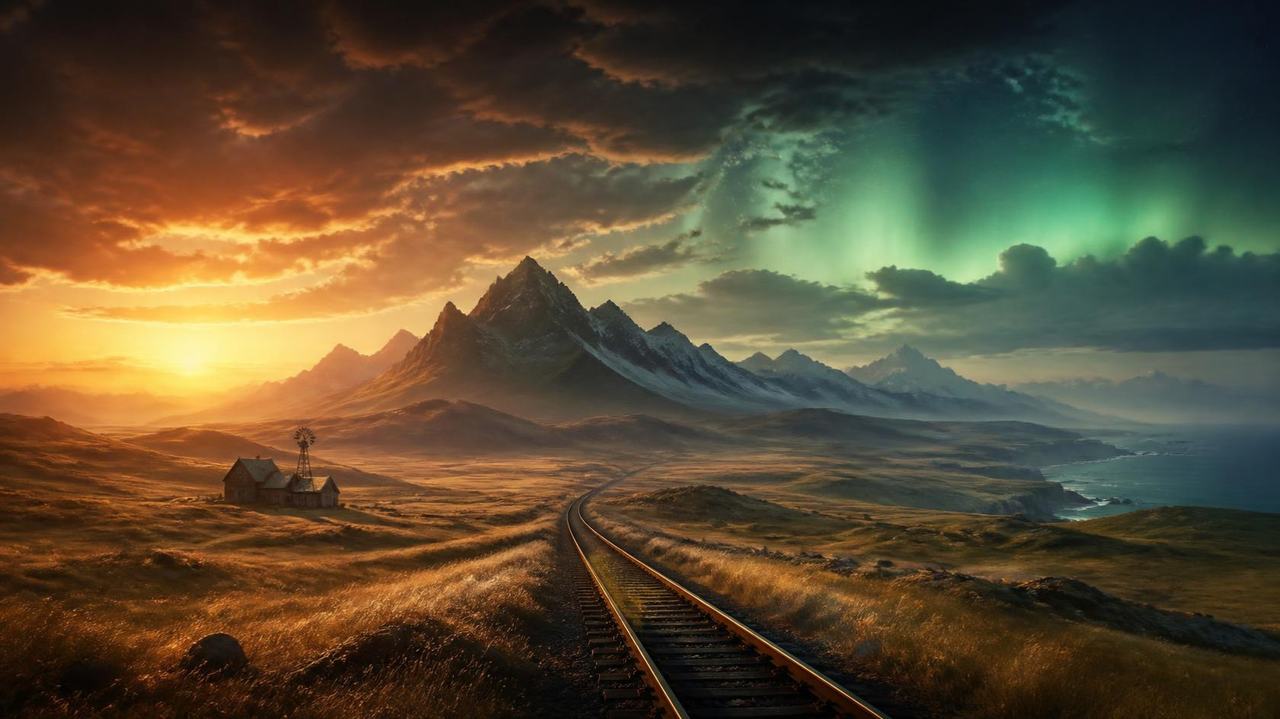
Journey, headerRailway across grasslands toward mountains under a rising green aurora.Canva media MAHXwfXAj2Q 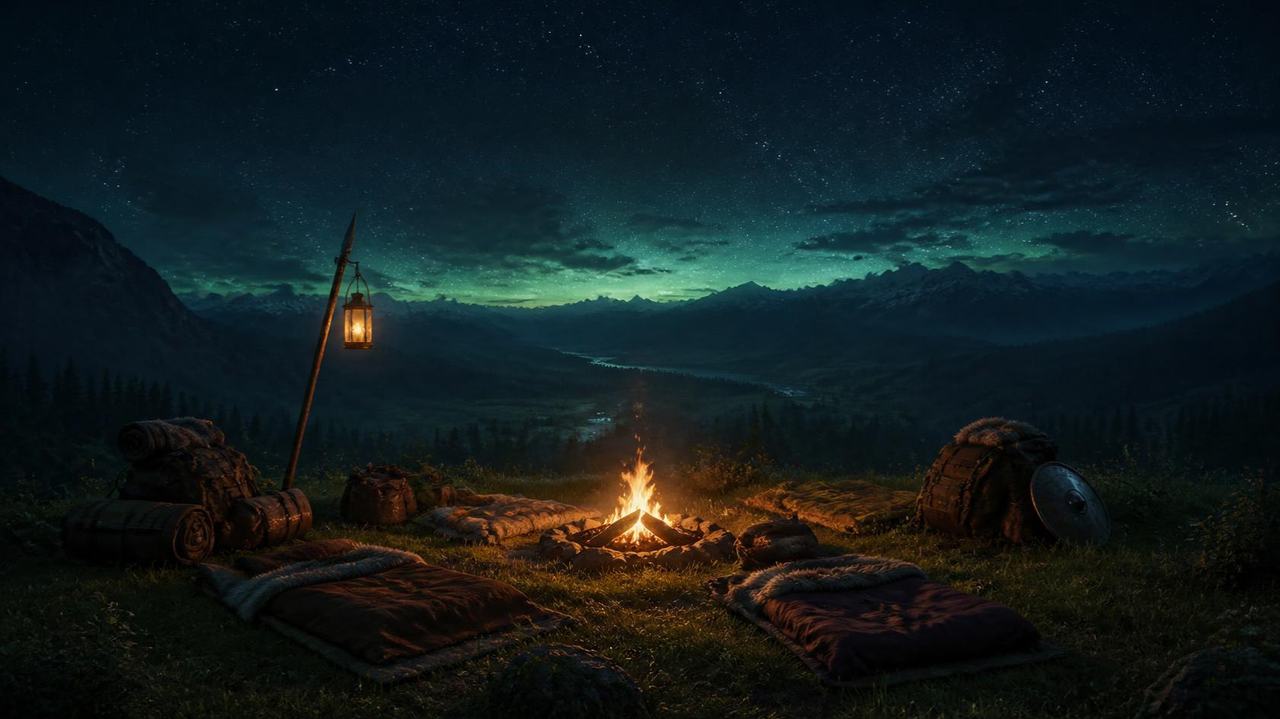
Party, headerEmpty camp around a fire on a hilltop under the stars.Canva media MAHXwbz3bbM
The living world
The second version of this guide turns every painting into a place you can stand in. Press Explore in the header, or the E key, to step inside one.
05 Depth
Paintings with depth
Each painting was run through Depth Anything V2, an open source depth estimation model, on the build machine. Its depth map turns the flat image into a relief, so when the camera drifts, near rocks slide past far mountains.
06 Motion
A world that moves
A small WebGL2 renderer written for this guide draws drifting fog, billowing Mako, firelight, rain and rippling water, and carries the camera from scene to scene as you scroll.
07 Stream
The Lifestream answers
Points of light follow a current painted for each scene. They swirl around your pointer, scatter when you click, and take on the color of any Materia you set on the bench.
08 Explore
Hidden memories
Explore mode hides 40 short field notes in 13 paintings. Each one restates a fact this guide already sources, with the same links. Progress stays in your browser.
09 Sound
Sound from nothing
Wind, rain, fire, sea and the hum of the reactors are synthesized live with Web Audio. No recordings, music or sounds from any game are used.
Accessibility
- The moving background can be paused from the header at any time. Explore mode works from the keyboard: Tab reaches every hidden memory, the arrow keys look around and Escape leaves.
- Every page reads, links and navigates without JavaScript. Menus, spoilers, filters and the destination chooser are native HTML and CSS.
- Menu windows answer the arrow keys like a game menu, and Escape puts down an orb held on the Materia Bench.
- Motion stops for anyone who asks their device for reduced motion, and the Lifestream renders one still frame instead.
- Story spoilers start folded away and open only on request.
- Sound is off by default and is made in the browser, never streamed.
Rights
Lifestream is an unofficial, non commercial fan project. Final Fantasy VII and every related name are trademarks of Square Enix, which has not made, endorsed or reviewed this site. All artwork here is original, generated with Canva AI for this demo; no game assets, logos or music are used.
Type is set in Cormorant Garamond and Barlow, both released under the SIL Open Font License and served from this site.
Read how this site handles data on the privacy page.
Every source
Official and first party
- FINAL FANTASY VII on Steam (opens in a new tab)Square Enix (Steam store)
- Final Fantasy VII, PlayStation Store listing (opens in a new tab)PlayStation / Square Enix
- Final Fantasy VII instruction manual (English) (opens in a new tab)PlayStation
- Final Fantasy VII, Xbox store listing (opens in a new tab)Microsoft / Square Enix
- Final Fantasy VII anniversary topic (opens in a new tab)Square Enix (na.finalfantasy.com)
- Final Fantasy VII Rebirth on Nintendo Switch 2 and Xbox (opens in a new tab)Square Enix (na.finalfantasy.com)
- Final Fantasy VII Revelation announcement (opens in a new tab)Square Enix (na.finalfantasy.com)
- Final Fantasy VII Revelation release date (opens in a new tab)Square Enix (na.finalfantasy.com)
- Final Fantasy VII Revelation launches on PS5 April 8, 2027 (opens in a new tab)PlayStation Blog
Press
- Final Fantasy VII Remake Intergrade coming to PC on December 16 (opens in a new tab)Gematsu
- Final Fantasy VII Remake Intergrade coming to Steam on June 17 (opens in a new tab)Gematsu
- Final Fantasy VII Rebirth coming to PC on January 23, 2025 (opens in a new tab)Gematsu
- Final Fantasy VII Ever Crisis launches September 7 (opens in a new tab)Gematsu
- Final Fantasy VII Remake Intergrade for Xbox Series and Switch 2 launches January 22, 2026 (opens in a new tab)Gematsu
- Crisis Core Final Fantasy VII Reunion launches on Nintendo Switch 2 today (opens in a new tab)RPG Site
- Final Fantasy VII Ever Crisis shut down date (opens in a new tab)RPG Site
- Final Fantasy VII Remake's first part is all about Midgar (opens in a new tab)Game Informer
- Square Enix says you don't need to play Final Fantasy 7 Remake before Rebirth (opens in a new tab)Video Games Chronicle
- Final Fantasy VII 25th anniversary broadcast coverage (opens in a new tab)Press Start
Reference
- Final Fantasy VII (opens in a new tab)Wikipedia
- Compilation of Final Fantasy VII (opens in a new tab)Wikipedia
- Before Crisis: Final Fantasy VII (opens in a new tab)Wikipedia
- Final Fantasy VII: Advent Children (opens in a new tab)Wikipedia
- Last Order: Final Fantasy VII (opens in a new tab)Wikipedia
- Dirge of Cerberus: Final Fantasy VII (opens in a new tab)Wikipedia
- Crisis Core: Final Fantasy VII (opens in a new tab)Wikipedia
- Final Fantasy VII Remake (opens in a new tab)Wikipedia
- Final Fantasy VII Rebirth (opens in a new tab)Wikipedia
- Final Fantasy VII: Ever Crisis (opens in a new tab)Wikipedia
Final Fantasy Wiki
- Final Fantasy VII (opens in a new tab)Final Fantasy Wiki
- Final Fantasy VII script (opens in a new tab)Final Fantasy Wiki
- Midgar (opens in a new tab)Final Fantasy Wiki
- Shinra Electric Power Company (opens in a new tab)Final Fantasy Wiki
- Shinra Building (opens in a new tab)Final Fantasy Wiki
- Mako Reactor 1 (opens in a new tab)Final Fantasy Wiki
- Sector 7 (opens in a new tab)Final Fantasy Wiki
- Seventh Heaven (opens in a new tab)Final Fantasy Wiki
- Wall Market (opens in a new tab)Final Fantasy Wiki
- Sector 5 Church (opens in a new tab)Final Fantasy Wiki
- Lifestream (opens in a new tab)Final Fantasy Wiki
- Mako (opens in a new tab)Final Fantasy Wiki
- Limit (Final Fantasy VII) (opens in a new tab)Final Fantasy Wiki
- Final Fantasy VII weapons (opens in a new tab)Final Fantasy Wiki
- Cloud Strife (opens in a new tab)Final Fantasy Wiki
- Barret Wallace (opens in a new tab)Final Fantasy Wiki
- Tifa Lockhart (opens in a new tab)Final Fantasy Wiki
- Aerith Gainsborough (opens in a new tab)Final Fantasy Wiki
- Red XIII (opens in a new tab)Final Fantasy Wiki
- Yuffie Kisaragi (opens in a new tab)Final Fantasy Wiki
- Cait Sith (Final Fantasy VII) (opens in a new tab)Final Fantasy Wiki
- Vincent Valentine (opens in a new tab)Final Fantasy Wiki
- Cid Highwind (opens in a new tab)Final Fantasy Wiki
- Materia (Final Fantasy VII equipment) (opens in a new tab)Final Fantasy Wiki
- Support Materia (Final Fantasy VII) (opens in a new tab)Final Fantasy Wiki
- Magic Materia (Final Fantasy VII) (opens in a new tab)Final Fantasy Wiki
- Command Materia (Final Fantasy VII) (opens in a new tab)Final Fantasy Wiki
- Summon Materia (Final Fantasy VII) (opens in a new tab)Final Fantasy Wiki
- Independent Materia (Final Fantasy VII) (opens in a new tab)Final Fantasy Wiki
- Reeve Tuesti (opens in a new tab)Final Fantasy Wiki
- Kalm (opens in a new tab)Final Fantasy Wiki
- Bill's ranch (Chocobo Farm) (opens in a new tab)Final Fantasy Wiki
- Junon (opens in a new tab)Final Fantasy Wiki
- Costa del Sol (opens in a new tab)Final Fantasy Wiki
- North Corel (opens in a new tab)Final Fantasy Wiki
- Gold Saucer (Final Fantasy VII) (opens in a new tab)Final Fantasy Wiki
- Gongaga (opens in a new tab)Final Fantasy Wiki
- Cosmo Canyon (opens in a new tab)Final Fantasy Wiki
- Nibelheim (opens in a new tab)Final Fantasy Wiki
- Rocket Town (opens in a new tab)Final Fantasy Wiki
- Wutai (opens in a new tab)Final Fantasy Wiki
- Bone Village (opens in a new tab)Final Fantasy Wiki
- City of the Ancients (opens in a new tab)Final Fantasy Wiki
- Icicle Inn (opens in a new tab)Final Fantasy Wiki
- Northern Crater (opens in a new tab)Final Fantasy Wiki